
AI Collaboration Tools: Best Must-Have Platforms for Effortless Teamwork
AI collaboration tools are changing the way teams communicate, organize projects, share knowledge, and get work done across locations and time zones. What once required endless email chains, manual updates, and constant meetings can now be streamlined with smart platforms that automate routine tasks, improve visibility, and help teams make faster decisions. Whether you manage a startup, a remote team, or a large organization, the right tools can make teamwork smoother, more productive, and far less stressful.
Why Teams Are Turning to Smarter Collaboration Platforms
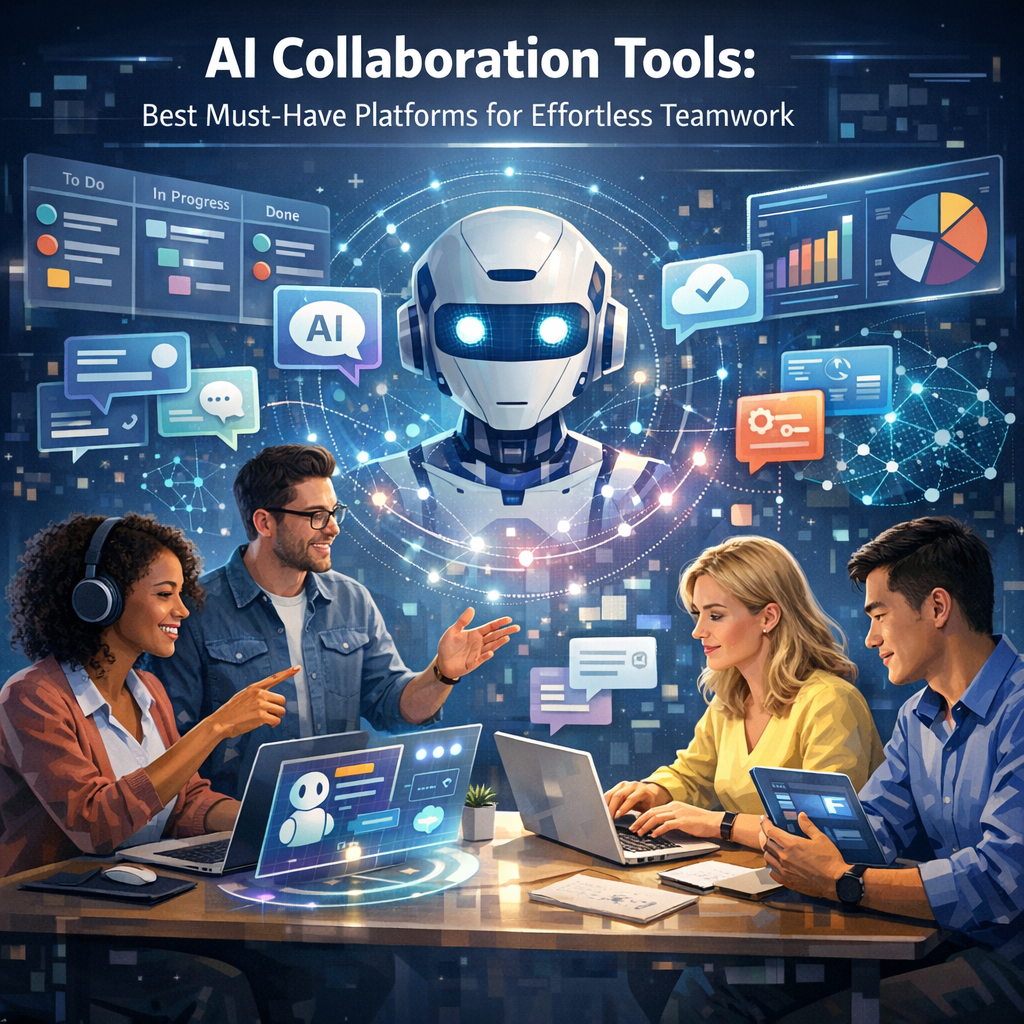
Modern work is more complex than ever. Teams often juggle multiple projects, departments, deadlines, and digital tools all at once. Traditional collaboration software helped centralize communication, but AI-powered platforms go a step further by adding intelligence to the workflow.
Instead of simply storing files or hosting messages, these tools can:
– Summarize meetings automatically
– Suggest next steps and action items
– Organize tasks based on urgency
– Improve document creation and editing
– Surface important information quickly
– Reduce repetitive administrative work
This means teams spend less time coordinating and more time creating, solving problems, and delivering results.
What Makes AI Collaboration Tools So Valuable?
The biggest advantage of AI in teamwork is not replacing people—it is supporting them. Smart collaboration platforms help teams work with greater clarity and consistency.
Here are some of the biggest benefits:
1. Faster Communication
AI can summarize long message threads, draft replies, translate content, and highlight key points. This cuts down on confusion and speeds up decision-making.
2. Better Project Visibility
Many platforms use AI to track progress, predict delays, and flag bottlenecks before they become serious problems.
3. Stronger Meeting Productivity
Instead of relying on manual note-taking, AI can record discussions, capture takeaways, and create follow-up tasks automatically.
4. Improved Knowledge Sharing
Teams often lose valuable information in chats, emails, and documents. AI makes it easier to search, organize, and retrieve knowledge when needed.
5. Reduced Repetitive Work
Automating updates, reminders, scheduling, and content formatting frees people to focus on higher-value tasks.
Best AI Collaboration Tools for Effortless Teamwork
Choosing the best platform depends on your team’s size, workflow, and priorities. Some tools are built for communication, others for project management, and some offer an all-in-one environment.
Microsoft Teams with Copilot
Microsoft Teams has long been a core workplace communication tool, but adding Copilot makes it significantly more powerful. It helps summarize meetings, generate recaps, identify action items, and answer questions based on shared files and conversations.
Best for: Organizations already using Microsoft 365
Key strengths:
– AI-generated meeting notes
– Smart chat summaries
– Easy integration with Word, Excel, Outlook, and SharePoint
– Useful for hybrid and enterprise teams
This is especially valuable for companies that want AI support built directly into familiar tools rather than adding separate software.
Slack with AI Features
Slack remains one of the most popular team messaging platforms, and its AI capabilities make communication easier to manage. It can summarize channels and threads, help users catch up quickly, and improve search across conversations and files.
Best for: Fast-moving teams that rely on real-time messaging
Key strengths:
– Conversation summaries
– Better knowledge discovery
– Integration with project and productivity apps
– Strong support for cross-functional teamwork
For teams overwhelmed by constant notifications and long discussions, these features can be a major time saver.
Notion AI
Notion has evolved from a note-taking and documentation platform into a powerful collaboration hub. With AI built in, it can draft content, summarize notes, organize information, and support brainstorming.
Best for: Teams focused on knowledge management and documentation
Key strengths:
– AI writing assistance
– Quick page summaries
– Research and idea generation
– Flexible workspaces for documents, wikis, and projects
It works especially well for marketing teams, product teams, and startups that want one place for plans, documentation, and internal knowledge.
Asana Intelligence
Asana is a strong project management tool, and its AI features help teams prioritize work, identify risks, and clarify goals. It is designed to reduce project chaos and make task ownership more visible.
Best for: Teams managing complex projects and workflows
Key strengths:
– Smart status updates
– Risk and deadline insights
– Goal alignment
– Strong task organization
If your team struggles with coordination, missed deadlines, or unclear responsibilities, Asana’s AI features can improve accountability.
ClickUp AI
ClickUp is known for offering many functions in one platform, including tasks, docs, goals, chat, and dashboards. Its AI assistant helps users write, summarize, generate ideas, and speed up project execution.
Best for: Teams wanting an all-in-one workspace
Key strengths:
– Built-in writing and summarization
– Workflow customization
– Project tracking and collaboration in one place
– Suitable for a range of departments
This platform can be a strong choice for businesses that prefer flexibility and want to reduce the number of separate apps they use.
Zoom AI Companion
Zoom is no longer just for video calls. With AI Companion, it can summarize meetings, generate key takeaways, and help teams stay aligned after discussions end.
Best for: Teams that depend heavily on virtual meetings
Key strengths:
– Meeting summaries
– Action item capture
– Follow-up support
– Helpful for remote and distributed teams
For organizations with frequent client calls, internal check-ins, or cross-time-zone meetings, this feature can reduce the burden of manual note-taking.
How to Choose the Right AI Collaboration Tools
Not every platform is the right fit for every team. The best choice depends on how your team works day to day.
Here are a few questions to ask before selecting a platform:
– Does your team need better communication, task management, or knowledge sharing?
– Are you already invested in a software ecosystem like Microsoft or Google?
– Do you want one all-in-one platform or several specialized tools?
– How important are integrations with your current systems?
– What level of data security and compliance do you need?
– Will the platform be easy for your team to adopt?
A tool can be powerful, but if it feels complicated or disruptive, adoption will suffer. Ease of use matters just as much as features.
Best Practices for Using AI Collaboration Tools Effectively
To get the most value, teams should treat AI as a support system rather than a shortcut for everything.
Set Clear Expectations
Define what the tool should help with, whether that is meeting notes, project tracking, document creation, or daily communication.
Review AI Output
AI can save time, but human oversight is still essential. Teams should verify summaries, edits, and action items for accuracy.
Keep Workflows Simple
Avoid adding too many overlapping tools. A clean, connected workflow is more effective than a complex stack of platforms.
Train the Team
Even intuitive tools perform better when people understand how to use them well. Short training sessions can improve adoption and consistency.
Prioritize Security
If your team handles sensitive information, review privacy policies, permissions, and compliance standards before rolling out any platform.
The Future of Teamwork Is More Assisted, Not More Complicated
The most effective workplaces are not the ones with the most software—they are the ones using the right software in the right way. AI is helping teams cut through clutter, reduce busywork, and collaborate with more focus and confidence. From messaging and meetings to planning and documentation, today’s platforms can transform how work moves from idea to execution.
As businesses continue to adapt to remote, hybrid, and fast-changing work environments, smart collaboration platforms are becoming less of a luxury and more of a necessity. The teams that embrace them thoughtfully will likely communicate better, move faster, and stay more aligned in an increasingly digital world.