
AI Heatmap Tools: Best Must-Have Solutions for Effortless Insights
AI heatmap tools are changing the way businesses understand user behavior, optimize websites, and improve digital experiences. Instead of relying only on raw analytics or guesswork, these tools visually show where users click, scroll, pause, and engage the most. The result is faster decision-making, better design choices, and more accurate insight into what truly captures attention.
In a digital landscape where every interaction matters, visual data has become one of the most practical ways to uncover hidden patterns. Traditional analytics platforms can tell you what happened, but heatmaps often reveal why it happened. When artificial intelligence is added to the mix, the value increases even more. AI can identify trends, predict friction points, segment users automatically, and surface insights that may otherwise take hours to find manually.
What Are AI Heatmap Tools?
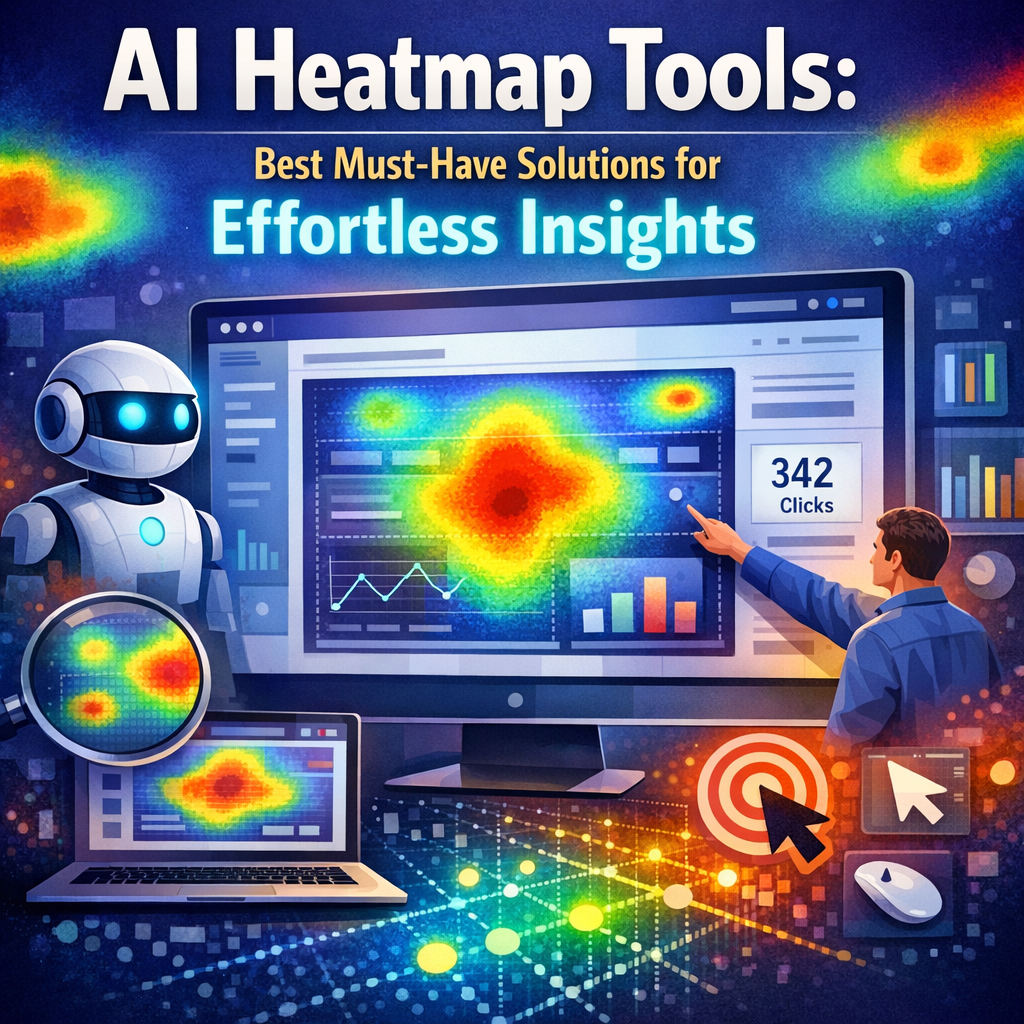
Heatmap tools create visual representations of user behavior on digital interfaces such as websites, landing pages, mobile apps, and product dashboards. Colors are typically used to indicate activity levels, with warmer tones highlighting areas of high engagement and cooler tones showing less attention.
When powered by artificial intelligence, these tools go beyond simple visual overlays. They can:
– Detect unusual behavior patterns
– Highlight drop-off points
– Predict conversion bottlenecks
– Segment visitors based on behavior
– Recommend design or layout improvements
– Automate reporting for teams
This makes them especially useful for marketers, UX designers, product managers, CRO specialists, and e-commerce teams.
Why Businesses Are Investing in AI Heatmap Tools
Understanding user intent has become more difficult as customer journeys grow more complex. People move between devices, browse quickly, and make decisions in seconds. AI-powered heatmap platforms help businesses interpret that behavior with greater speed and precision.
Here are some of the biggest reasons companies are adopting them:
Faster insight generation
Instead of manually reviewing session recordings or comparing page metrics one by one, AI can automatically summarize what is happening and where problems may exist.
Better UX optimization
Heatmaps make it easier to see whether users are interacting with the elements you intended them to notice. If important buttons are ignored or content is overlooked, you can quickly adjust placement, wording, or design.
Stronger conversion rates
When businesses understand which page elements drive engagement and which cause friction, they can make improvements that increase sign-ups, purchases, and lead submissions.
Smarter A/B testing
AI heatmap solutions can reveal why one version of a page performs better than another, not just which one wins. That deeper understanding supports more effective experimentation.
Must-Have Features in Modern AI Heatmap Tools
Not all platforms offer the same value. Some are basic click-mapping tools, while others provide advanced behavioral intelligence. If you are choosing a solution, these are the most important features to look for.
AI Heatmap Tools Features That Matter Most
Click, move, and scroll maps
A strong platform should support multiple heatmap types. Click maps show where users interact, move maps suggest cursor attention, and scroll maps reveal how far users travel down the page.
Session recordings
Heatmaps are powerful, but pairing them with recordings gives richer context. Watching user sessions helps validate what the visual data suggests.
AI-driven insights
The best solutions don’t just show data. They interpret it. Look for features like automatic anomaly detection, behavior clustering, frustration signals, and predictive alerts.
User segmentation
Behavior varies by source, device, geography, and customer type. Advanced tools let you segment heatmaps to compare how different audiences experience the same page.
Funnel and form analysis
If your main goal is improving conversions, it helps to know where users abandon forms or drop out of key funnels. AI can reveal the exact steps causing hesitation.
Integrations
The right heatmap platform should work well with analytics tools, CRM systems, A/B testing software, tag managers, and content platforms.
Best AI Heatmap Solutions to Consider
There are several standout tools on the market, each with different strengths. The best option depends on your goals, budget, and workflow.
Hotjar
Hotjar remains one of the most recognizable names in heatmapping. It offers click, move, and scroll heatmaps, along with session recordings, feedback tools, and surveys. Its interface is easy to use, making it a strong fit for teams that want quick insights without a steep learning curve.
Microsoft Clarity
Clarity is a popular free option that provides heatmaps and session recordings. It is especially attractive for startups, small businesses, and teams looking for reliable behavior insights without major cost. It also offers useful features like rage click detection and dead click tracking.
Crazy Egg
Crazy Egg is known for its visual reports and testing features. It combines heatmaps with A/B testing and traffic analysis, helping businesses connect behavioral insights to page performance.
Smartlook
Smartlook focuses heavily on session replay and user event tracking. It works well for both websites and mobile apps, making it a useful solution for businesses managing multi-platform experiences.
Contentsquare
Contentsquare is designed more for enterprise-level behavioral analytics. Its AI-powered capabilities, journey analysis, and deeper customer experience intelligence make it ideal for large organizations with complex digital ecosystems.
Mouseflow
Mouseflow includes heatmaps, recordings, funnels, form analytics, and feedback tools. It is a versatile choice for businesses that want a well-rounded conversion optimization platform.
How to Choose the Right Tool for Your Needs
The best platform is not always the one with the most features. It is the one that fits your goals and helps your team act on insights efficiently.
Ask these questions before deciding:
– Do you need website-only tracking or app support too?
– Is your main goal UX improvement, conversion optimization, or behavioral analytics?
– How important are AI recommendations versus manual review?
– Does your team need simple dashboards or enterprise reporting?
– What is your monthly traffic volume?
– Will the tool integrate with your existing stack?
For smaller teams, simplicity and affordability may matter most. For larger organizations, advanced segmentation and predictive intelligence can be worth the investment.
Common Use Cases for AI Heatmap Tools
These platforms serve many functions across industries and business models.
E-commerce optimization
Retail brands use heatmaps to identify which product images, filters, offers, and calls to action attract the most interest. They also help reduce cart abandonment and improve checkout flow.
Landing page performance
Marketers use heatmaps to assess whether users are seeing headline value propositions, engaging with forms, and responding to key CTAs.
SaaS product improvement
Software companies use behavioral insights to understand onboarding friction, feature discovery, and dashboard engagement.
Content strategy
Publishers and content teams can see how far readers scroll, where attention drops, and which internal links get the most traction.
Best Practices for Getting More Value From Heatmaps
To use heatmaps effectively, avoid treating them as isolated visuals. They work best when combined with broader analytics and user research.
Here are a few practical tips:
– Review heatmaps by device type
– Compare new versus returning visitors
– Pair heatmaps with conversion data
– Watch session recordings for context
– Test changes after identifying friction
– Focus on high-traffic, high-value pages first
Also remember that heatmaps are most useful when there is enough traffic to reveal meaningful patterns. A page with very little activity may not produce reliable insight.
The Future of AI Heatmap Tools
As AI continues to evolve, these platforms are likely to become even more proactive. Instead of simply displaying behavior, they will increasingly suggest actions, estimate business impact, and automate optimization workflows. We can expect better predictive modeling, stronger personalization insights, and tighter integration with experimentation platforms.
That shift will make heatmaps not just diagnostic tools, but strategic decision-making systems.
Final Thoughts
AI-powered heatmapping has become one of the most practical ways to understand digital behavior without drowning in spreadsheets or reports. By translating user activity into clear visual patterns and adding intelligent analysis, these tools help businesses make smarter, faster improvements.
Whether you run an e-commerce store, manage a SaaS platform, or build landing pages for lead generation, the right solution can reveal exactly where users engage, hesitate, or lose interest. When used well, heatmaps turn behavioral data into action—and action is what drives better results.