
Top AI Meeting Transcription Solutions Every Team Should Consider
AI meeting transcription tools have quickly become essential for modern teams that want to save time, improve collaboration, and avoid missing important details. In fast-moving workplaces, meetings often generate valuable ideas, action items, and decisions, but relying on handwritten notes or memory alone can lead to confusion later. With the right transcription solution, teams can automatically capture conversations, create searchable records, and turn spoken discussions into useful summaries.
Whether your team works remotely, in person, or in a hybrid setup, these tools can streamline communication and make meetings much more productive.
Why Teams Need Transcription Software
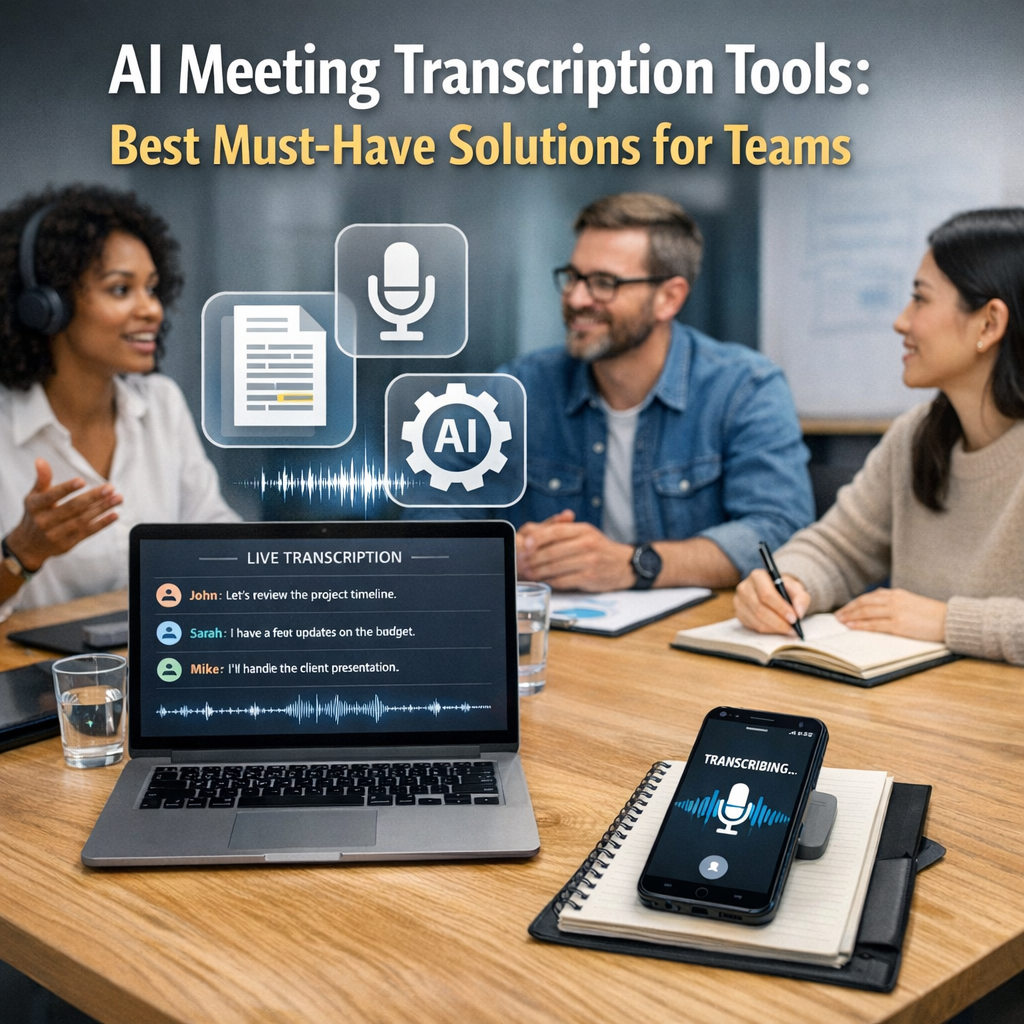
Meetings are meant to align people, solve problems, and move projects forward. However, they can also create a lot of information that is difficult to track. Team members may miss sessions due to scheduling conflicts, and even those who attend may interpret details differently.
That is where automated transcription software delivers real value. Instead of asking one person to take notes while also participating in the discussion, teams can let technology handle the documentation. This gives everyone more freedom to focus on the conversation itself.
Some of the biggest benefits include:
– Accurate record-keeping for decisions and key points
– Searchable meeting archives for easy reference
– Improved accountability through clear action items
– Time savings from automated notes and summaries
– Better accessibility for team members who prefer reading over listening
– Support for remote collaboration across time zones
For managers, these tools reduce the risk of information slipping through the cracks. For employees, they offer clarity and a reliable way to revisit what was discussed.
What to Look for in AI Meeting Transcription Tools
Not every platform offers the same experience. Some are best for simple recording and text conversion, while others go further with summaries, keyword extraction, speaker identification, and integration with productivity software.
When comparing options, teams should focus on these features:
1. Accuracy
The most important factor is how well the platform captures speech, especially in meetings with multiple speakers, technical language, or background noise.
2. Speaker Recognition
A strong tool should identify who said what. This makes transcripts easier to follow and more useful for accountability.
3. Real-Time and Post-Meeting Summaries
Many modern solutions do more than transcribe. They also generate meeting highlights, next steps, and condensed recaps.
4. Integrations
Look for compatibility with platforms your team already uses, such as Zoom, Google Meet, Microsoft Teams, Slack, Notion, or project management apps.
5. Search and Organization
A searchable library of past transcripts can save hours when trying to locate a decision, quote, or task from an earlier meeting.
6. Security and Compliance
For companies handling sensitive information, data encryption, user permissions, and compliance standards are essential.
Best Must-Have Solutions for Teams
Below are some of the most useful solutions teams often rely on when choosing meeting transcription software.
Otter.ai
Otter.ai is one of the most recognized names in this space, and for good reason. It offers live transcription, meeting summaries, speaker identification, and collaboration features that make it attractive for teams of all sizes.
Best for: Teams that want easy note-taking and strong collaboration tools
Why it stands out: User-friendly interface, live captions, and useful integrations
Otter.ai is especially useful for businesses that want a simple setup without a steep learning curve. It helps teams revisit discussions quickly and share notes across departments.
Fireflies.ai
Fireflies.ai is built with workflow automation in mind. It records meetings, transcribes them, and lets users search conversations by topic, action item, or specific phrase.
Best for: Sales teams, operations teams, and organizations that value automation
Why it stands out: Strong integrations and conversation intelligence features
This platform is particularly useful for teams that want meeting data to feed directly into CRM tools, task systems, or internal knowledge bases.
Rev
Rev is widely known for transcription services and offers both AI-generated and human-reviewed options. This makes it appealing for teams that need flexibility between speed and precision.
Best for: Businesses that need high transcription reliability
Why it stands out: Choice between automated and human-enhanced transcription
If your organization handles interviews, legal conversations, media content, or important client discussions, Rev may be a smart option due to its emphasis on quality.
Fathom
Fathom has gained attention as a meeting assistant that records calls, transcribes them, and automatically creates summaries. It is especially popular among professionals who spend a lot of time in client-facing conversations.
Best for: Customer success, sales, and leadership meetings
Why it stands out: Instant summaries and simple highlight sharing
Teams that want a lightweight but effective tool often appreciate how quickly Fathom surfaces the most important moments from a meeting.
Microsoft Teams Transcription
For companies already using Microsoft 365, the built-in transcription features in Microsoft Teams can be very convenient. Meetings can be recorded, transcribed, and stored within the broader Microsoft ecosystem.
Best for: Organizations already committed to Microsoft products
Why it stands out: Native integration and enterprise-friendly environment
This is a practical choice for larger companies that prioritize security, governance, and seamless access across internal tools.
Google Meet with Gemini and Workspace Features
Google’s ecosystem continues to evolve with AI-powered note-taking and meeting support features. For teams using Google Workspace, built-in options can reduce the need for third-party platforms.
Best for: Teams working heavily in Google Workspace
Why it stands out: Familiar environment and improving AI assistance
For businesses that want convenience and minimal tool-switching, this can be an efficient route.
How AI Meeting Transcription Tools Improve Team Productivity
The biggest advantage of using these tools is not just getting a transcript. It is what happens afterward. A good platform turns a spoken conversation into an organized resource that can be shared, reviewed, and acted upon.
Here are a few practical ways teams benefit:
– Project teams can track deadlines and decisions without confusion.
– HR teams can document interviews and internal discussions more consistently.
– Sales teams can revisit client calls for follow-up details.
– Leadership teams can maintain a reliable record of strategy conversations.
– Remote teams can keep everyone aligned, even when attendance varies.
This leads to better follow-through and less time spent asking, “What was agreed on?”
Choosing the Right Tool for Your Team
The best solution depends on how your team works. A startup may want affordability and speed, while an enterprise may care more about compliance and system integration. Some teams need a tool that excels in live meetings, while others need a reliable archive of recorded conversations.
Before making a decision, consider:
– How often your team meets
– Which video conferencing platform you use
– Whether summaries and action items are important
– How sensitive your meeting data is
– Your budget and team size
Testing a few tools through free trials is often the smartest way to compare usability and accuracy in real working conditions.
Final Thoughts
Meeting documentation no longer has to be manual, inconsistent, or incomplete. Today’s transcription platforms help teams capture ideas more accurately, reduce administrative work, and improve how information flows after every discussion.
As organizations continue to balance remote work, fast decision-making, and growing collaboration demands, investing in the right transcription software can make meetings far more useful. The right choice will not only preserve what was said but also help teams act on it faster and with more confidence.