
AI Email Generator: Must-Have Tool for Effortless, Better Emails
AI Email Generator tools are changing the way people write, respond, and communicate through email. Whether you are a busy professional, small business owner, marketer, recruiter, or student, writing clear and effective emails every day can take more time than expected. From finding the right tone to organizing thoughts and avoiding awkward phrasing, email writing often becomes a repetitive and frustrating task. This is where AI steps in as a practical solution.
Instead of staring at a blank screen or rewriting the same message again and again, users can now generate polished emails in seconds. These tools help create better subject lines, more professional wording, stronger calls to action, and faster replies. More importantly, they reduce mental effort while improving the overall quality of communication.
Why Email Writing Feels Harder Than It Should
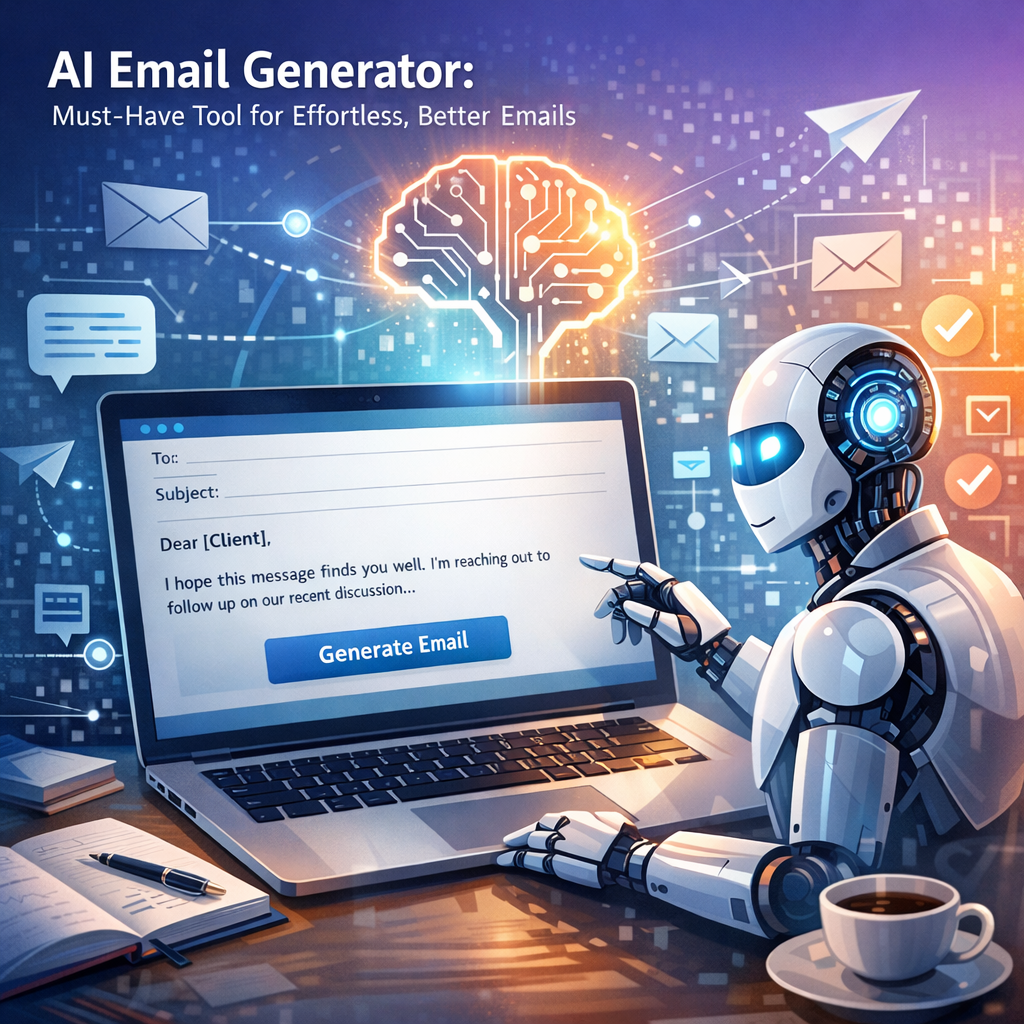
Email may seem simple, but good email writing requires several skills at once. You need to be concise, polite, clear, and persuasive—often all within a few short paragraphs. On top of that, different situations call for different styles. A follow-up to a client should sound different from a message to a coworker, a job application, or a customer support response.
Many people struggle with:
– Starting emails from scratch
– Choosing the right tone
– Keeping messages brief but complete
– Avoiding grammar and spelling mistakes
– Writing professional responses quickly
– Personalizing messages without wasting time
When email becomes a daily task, these small challenges add up. That is why automated assistance has become so valuable.
How an AI Email Generator Works
An AI email generator uses artificial intelligence to create email drafts based on a prompt or a few key details. Users typically enter information such as the purpose of the message, the recipient, the tone they want, and any important points to include. The tool then produces a complete email that can be edited or sent as is.
Some platforms can also:
– Rewrite existing emails for clarity
– Shorten long messages
– Change tone from casual to formal
– Create subject lines
– Generate replies to incoming emails
– Translate content into other languages
The best part is speed. What might take ten or fifteen minutes manually can often be done in less than one minute with AI support.
Benefits of Using an AI Email Generator
1. Saves Time Every Day
One of the biggest advantages is time savings. Professionals who send dozens of emails daily can reclaim hours every week. Instead of thinking through structure, wording, and formatting each time, they can use AI to build a strong draft instantly.
This is especially useful for:
– Sales outreach
– Customer service
– Appointment scheduling
– Follow-up emails
– Internal team communication
– Hiring and recruitment messages
2. Improves Quality and Clarity
A rushed email can sound confusing, too blunt, or unprofessional. AI helps organize ideas clearly and present them in a more polished way. It can also improve grammar, sentence flow, and readability, making communication more effective.
For people who are not confident writers, this can be a major advantage. It acts like a built-in writing assistant that helps express ideas more clearly.
3. Helps Match the Right Tone
Tone matters in email. A message that sounds too casual may seem careless, while one that is too formal can feel cold or stiff. AI tools can adjust tone based on the audience and situation. Whether you need something friendly, professional, persuasive, apologetic, or confident, the wording can be tailored more easily.
4. Reduces Writer’s Block
Sometimes the hardest part is simply getting started. AI removes the pressure of writing the first draft. Even if the generated email is not perfect, it gives users something to work with. That alone can make email writing far less stressful.
5. Supports Personalization at Scale
Businesses often need to send many emails while still sounding personal. AI can help create customized messages based on names, industries, customer actions, or specific needs. This is useful for marketing campaigns, sales prospecting, and customer relationship management.
Best Use Cases for AI-Powered Email Writing
AI email tools are versatile, and their usefulness goes far beyond basic office communication. Some of the most common and valuable use cases include:
Business Communication
Managers, executives, and team members can use AI to create meeting requests, project updates, status reports, reminders, and announcements quickly.
Sales and Outreach
Sales professionals can write cold emails, follow-ups, demo invitations, and re-engagement messages more efficiently while maintaining a persuasive and professional tone.
Customer Support
Support teams can draft responses to common questions, complaints, refunds, delays, and issue updates without sacrificing empathy or clarity.
Job Applications and Recruiting
Applicants can use AI to draft inquiry emails, follow-ups, thank-you messages, and networking emails. Recruiters can generate outreach emails to candidates and schedule communication with less effort.
Freelancing and Client Management
Freelancers often need to pitch services, negotiate timelines, send invoices, and manage revisions. AI helps keep communication clear and professional without taking too much time away from billable work.
What to Look for in a Good AI Email Generator
Not all tools offer the same value. If you are choosing one, focus on features that improve both speed and quality.
Key things to look for include:
– Easy-to-use interface
– Multiple tone options
– Custom prompts and personalization
– Grammar and style improvement
– Subject line generation
– Reply suggestions
– Integration with email platforms
– Data privacy and security
A good tool should make the writing process simpler, not more complicated. The ideal experience is fast, intuitive, and flexible enough for different types of communication.
Tips for Getting Better Results
Even though AI can produce strong drafts, the best results still come from thoughtful input. To make the most of any tool, keep these tips in mind:
– Be specific with your prompt
– Mention the recipient and goal clearly
– Choose the right tone for the situation
– Review the final draft before sending
– Add personal details when needed
– Double-check facts, dates, and names
AI is powerful, but human review remains important. A quick edit can ensure the email feels authentic and accurate.
The Future of Smarter Email Communication
Email is not going away anytime soon. In fact, as work becomes more digital and global, clear written communication matters even more. AI is helping users keep up with that demand by making email writing faster, easier, and more effective.
What once felt like a chore can now become a streamlined part of the day. Instead of spending unnecessary time crafting every sentence, users can focus on the message itself and the action they want to inspire.
For anyone who sends emails regularly, adopting AI support is no longer just a convenience—it is a smart productivity move. With the right tool, better email communication becomes less about effort and more about results.